What you need to do.
Actions
Tasks have a shelf life and fade when it ends. Keep the ones you still need.
Thought capture
Say what’s on your mind. Capture keeps related ideas together, separates out tasks, and helps you find your thoughts later.
15 captures a day. No account. This board stays in your browser.
You say
“uh fix the signup bug before friday and i keep going back and forth on usage based pricing vs seats”
It lands as
One capture can hold several thoughts. Capture separates them, so you do not have to choose a folder or tidy them first.
Save a thought, find it later, and keep building on it.
Articles spoken in motion and finished in public.
Written with Capture
The finished articles sit beside selected source moments, so you can see what Capture kept and what the thought became.
No reviews yet. Here is the honest version instead.
 From the person who made itGleb, who uses it most
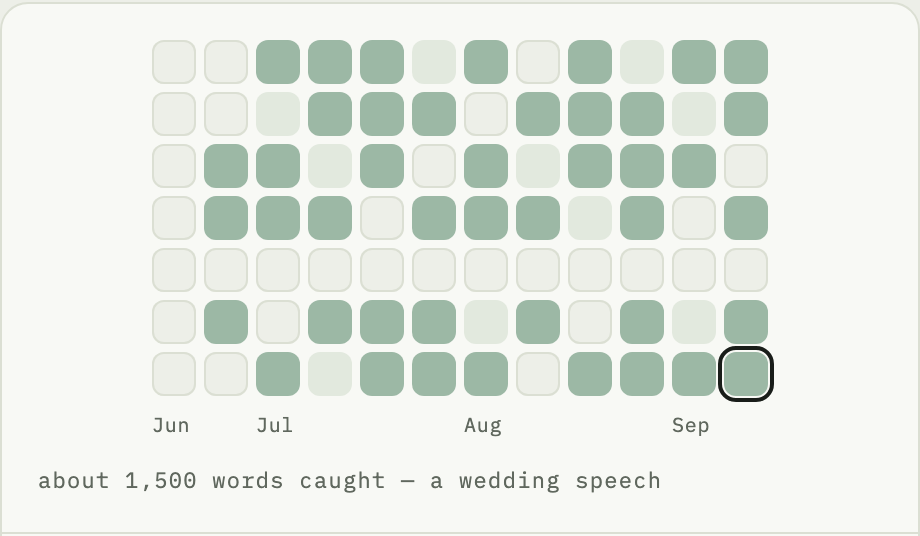
I do not have any yet, so here is the honest version. I built it for myself at the end of July, and I have used it every day since. The four below are not customers. They are the work I was carrying while I used it.
The point
Short-lived tasks fade. Developing ideas stay together. You don’t need to file every new thought or delete every expired task.
Capture is not a replacement for Notion or Obsidian. It makes thoughts easy to capture, organize, and find. Develop them in Capture, or copy them into the app you choose.
 Notion
 Obsidian
Capture chooses where they belong. You don’t have to choose first.
What you need to do.
Tasks have a shelf life and fade when it ends. Keep the ones you still need.
Thoughts you’re still developing.
Related thoughts collect in one place, with a summary that updates as you add to them.
Goals that guide your choices.
A direction to return to, not another task to finish. For example: “I build businesses that run without me.”
Work through an idea, or share it with your agent.
Not sure what you mean yet? Distill is a short AI conversation that helps you clarify an idea or decision. Review the result, then save it as an Action, Thread, or Intention.
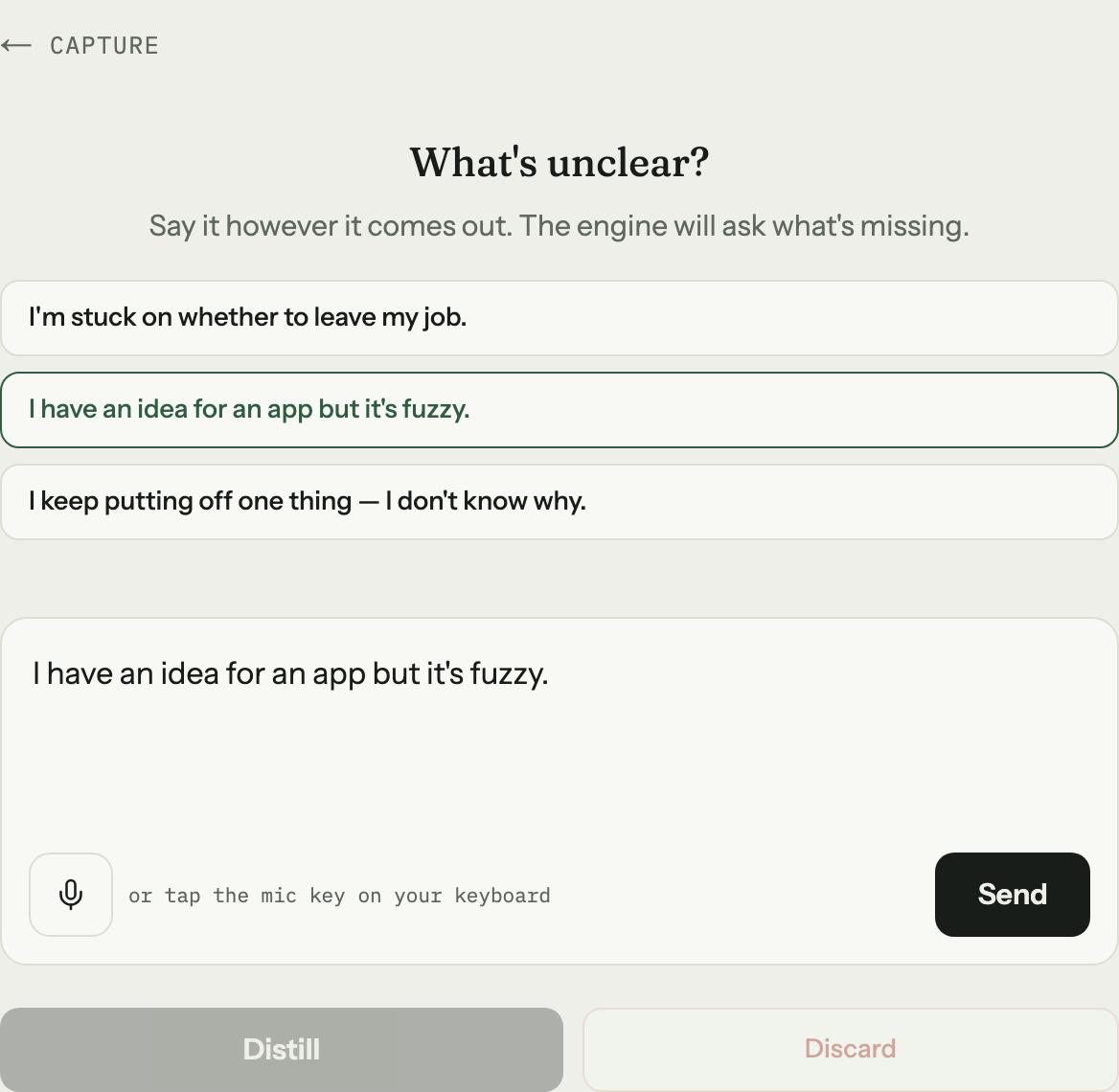
Start with the voice typing already on your device.
Speech to text
Type it, or use your device’s voice typing. You don’t need to tidy it first.
Start speaking before you decide how polished the thought should be.
Yours
Your thoughts stay in this browser. Export a backup before clearing browser data.
AI features send relevant content to model providers for processing.